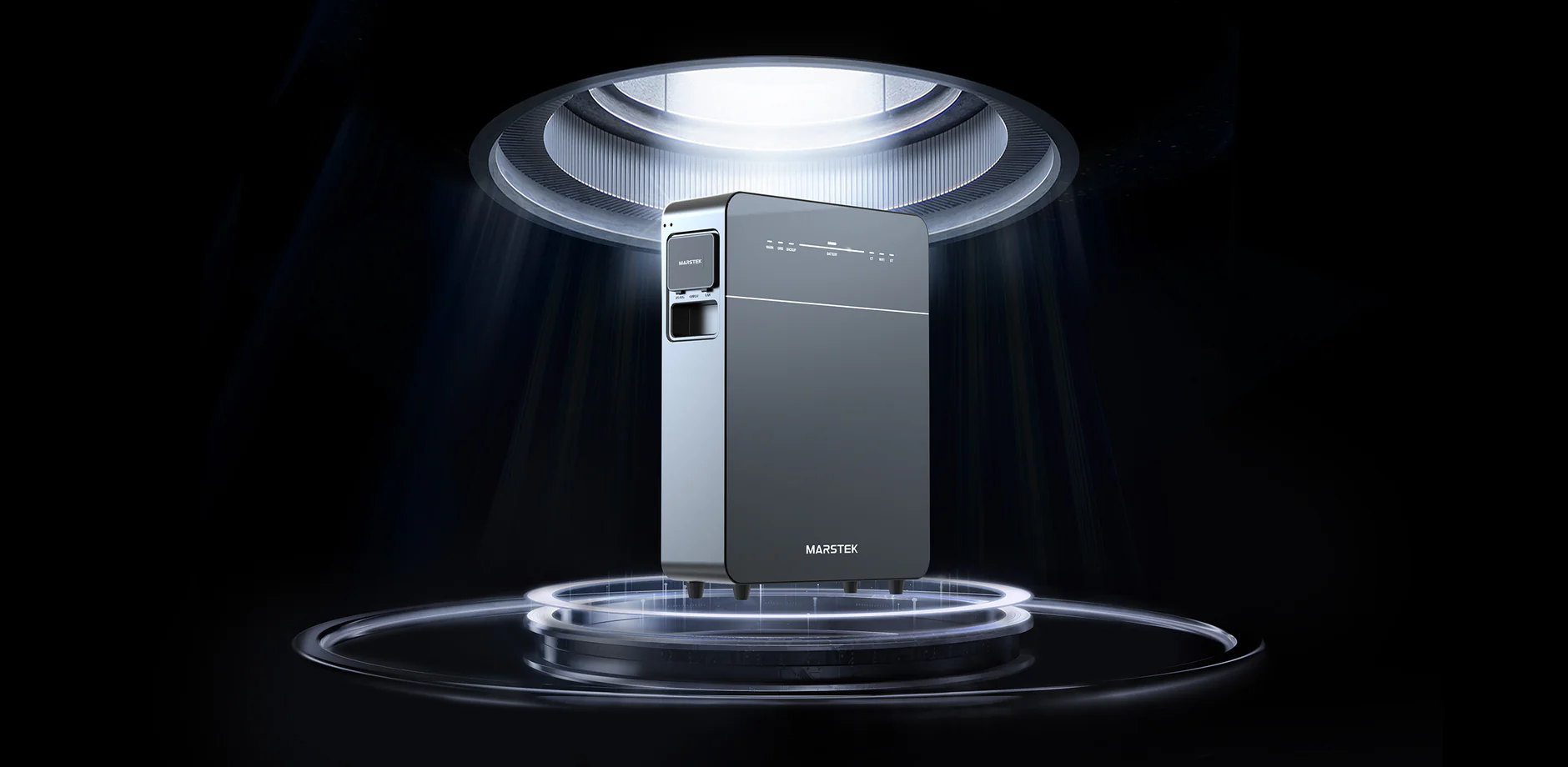
I bought an Marstek battery to balance the grid a bit and save a bit of money on my electricity bill.
As all my other domotica I wanted to create a custom dashboard. Since the Marstek has an OpenAPI I went on an exploration.
Maybe this info is also usefull for other people I am dumping my findings here.
Configuration and the IP quest
FIrst enable the API in the Marstek app. I kept the default port 30000
In the current version of the app there is no indication of the IP address. Because my router also doesn’t like to share the most recent IP address it distributed I needed another way to find it. Since the Marstek responds to boardcasts you can find the IP that way.
I used this python script
import socket
import json

# --- Configuration ---
# Adjust this to your network (usually ending in .255)
BROADCAST_IP = '172.16.0.255'
UDP_PORT = 30000

# The JSON message specified by the manufacturer
DISCOVERY_MESSAGE = {
    "id": 0,
    "method": "Marstek.GetDevice",
    "params": {
        "ble_mac": "0"
    }
}

def discover_marstek():
    # Create a UDP socket
    sock = socket.socket(socket.AF_INET, socket.SOCK_DGRAM)
    # Configure the socket to send broadcast messages
    sock.setsockopt(socket.SOL_SOCKET, socket.SO_BROADCAST, 1)

    # Bind to a local port so we can receive the response
    # The Marstek device likely sends the response to the port from which the broadcast originated
    sock.bind(('', UDP_PORT)) # Bind to all interfaces on the UDP port

    # Set a 5-second timeout
    sock.settimeout(5.0)

    # Convert the Python dict to a JSON string and then to bytes
    message_bytes = json.dumps(DISCOVERY_MESSAGE).encode('utf-8')

    print(f"Send discovery broadcast to {BROADCAST_IP}:{UDP_PORT}...")

    try:
        # Send the message
        sock.sendto(message_bytes, (BROADCAST_IP, UDP_PORT))

        print("Waiting for response from Marstek device(s)...")

        while True:
            # Receive the data and address of the response
            data, addr = sock.recvfrom(1024)

            response_json = data.decode('utf-8')

            print("--- DEVICE FOUND! ---")
            print(f"IP address: {addr[0]}")

            try:
                # Try to parse the response as JSON
                response = json.loads(response_json)
                print("Response Data (JSON):")
                print(json.dumps(response, indent=4))

                # Try to extract specific information
                if 'params' in response and 'ip' in response['params']:
                    print(f"\nThe IP address of the device is: {response['params']['ip']}")
                if 'params' in response and 'mac' in response['params']:
                    print(f"The MAC address of the device is: {response['params']['mac']}")

            except json.JSONDecodeError:
                print(f"Could not parse the response as JSON. Raw response: {response_json}")

    except socket.timeout:
        print("\nNo response received within the set time (5 seconds).")
    except KeyboardInterrupt:
        print("\nScan stopped by user.")
    finally:
        sock.close()

if __name__ == "__main__":
    discover_marstek()
In the output the IP address is shown.
Communicating with the Venus
Once I found the IP address the communication needed to be Unicast. That took me a bit to figure out.
The core problem was not a network block, but a classic protocol-level mismatch related to the device’s firmware requirements for Unicast UDP communication.
1. The Network Status (Confirmed Working)
First, I ruled out common connectivity issues:
- IP Connectivity (Layer 3): The successful
pingtest confirmed that my MacBook and the Marstek Venus E 3.0 were communicating correctly on the network. My mesh network was not blocking basic unicast traffic. - Local Firewall: You confirmed my MacBook’s firewall was off, eliminating it as a cause for blocking the incoming reply packet.
2. The Root Cause: Source Port Binding
The repeated UDP Timeout indicated that while my MacBook was successfully sending the request packet, the Marstek device was silently ignoring the request or failing to send the reply back to the correct address.
The issue was Source Port Binding.
- Default Client Behavior: When a standard Python script sends a UDP packet, the operating system assigns a random, high-numbered source port (e.g., 54321) to the packet. The Marstek device receives the packet on its destination port (
30000) and is supposed to send the reply back to my Mac’s IP address and that random source port (54321). - Marstek Requirement: The Marstek firmware, often true for industrial or IoT devices using custom APIs, was specifically designed to only accept and respond to packets that originate from the default API port, which is 30000 in this case.
- The Failure: When the packet arrived from a random port (e.g., 54321), the Marstek ignored it, resulting in the timeout.
3. The Solution: Forcing the Source Port
The problem was solved by explicitly binding the client socket on my MacBook to the required source port, using sock.bind(('0.0.0.0', 30000)).
- Code Modification: I modified the Python script to include this line, forcing the client (my MacBook) to use port 30000 as the source port.
- Protocol Match: When the packet arrived at the Marstek, it saw that the source port was 30000 (matching its expected destination port).
- Successful Reply: The Marstek processed the request and sent the reply back to my MacBook’s IP address on port 30000, which the script was correctly waiting on.
This adjustment allowed the successful retrieval of data using Unicast commands like Wifi.GetStatus and Bat.GetStatus.
The succesfull code:
import socket
import json
import time

DEVICE_IP = '172.16.xxx.xxx'
TARGET_PORT = 30000
SOURCE_PORT = 30000

def get_marstek_data_on_default_port(method, req_id=1):
    """
    Sends a JSON-RPC command with Source Port 30000 (strictest test).
    """
    payload = {
        "id": req_id,
        "method": method,
        "params": {"id": 0}
    }

    sock = socket.socket(socket.AF_INET, socket.SOCK_DGRAM)
    sock.settimeout(5.0)

    try:
        sock.bind(('0.0.0.0', SOURCE_PORT))
        print(f"[*] Now using the default port ({SOURCE_PORT}) as source port.")

        json_payload = json.dumps(payload).encode('utf-8')
        print(f"[>] Sending '{method}' to {DEVICE_IP}:{TARGET_PORT}...")

        sock.sendto(json_payload, (DEVICE_IP, TARGET_PORT))

        print("[...] Waiting for response...")

        data, addr = sock.recvfrom(4096)
        response = data.decode('utf-8')

        print("\n[<] RESPONSE RECEIVED!")
        print("Content (JSON):")

        try:
            parsed = json.loads(response)
            return json.dumps(parsed, indent=4)
        except json.JSONDecodeError:
            return response

    except socket.timeout:
        return f"\n[X] Timeout after 5 seconds. The Marstek is ignoring the Unicast command."
    except OSError as e:
        if "Address already in use" in str(e):
            return f"\n[X] Error: Port {SOURCE_PORT} is already in use. Please try running the script again after closing any other programs using port {SOURCE_PORT}."
        return f"\n[X] Communication error: {e}"
    except Exception as e:
        return f"\n[X] General error: {e}"
    finally:
        sock.close()

if __name__ == "__main__":
    result = get_marstek_data_on_default_port("Wifi.GetStatus")
    print(result)

    time.sleep(1)
    print("\n" + "="*40 + "\n")

    bat_result = get_marstek_data_on_default_port("Bat.GetStatus", req_id=2)
    print(bat_result)